Integration Guide
1. Setup
-
Register account https://paydefi.io/auth/register/
-
Set wallet address in settings section

-
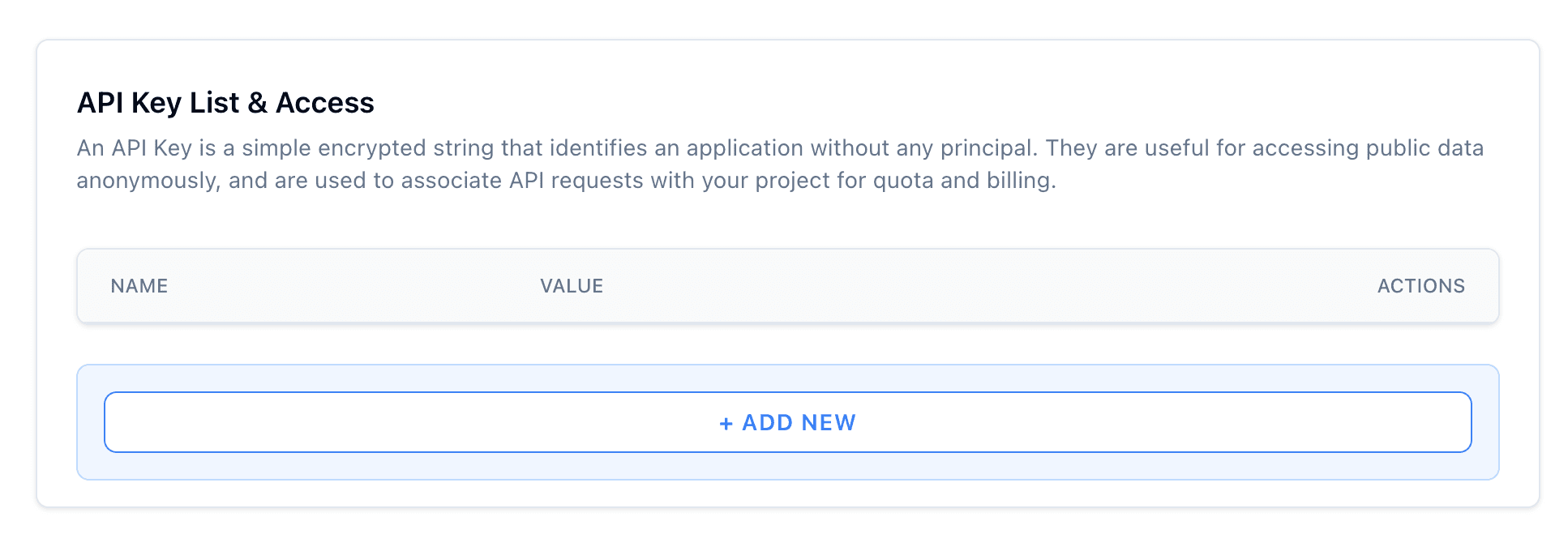
Obtain API credentials.
-
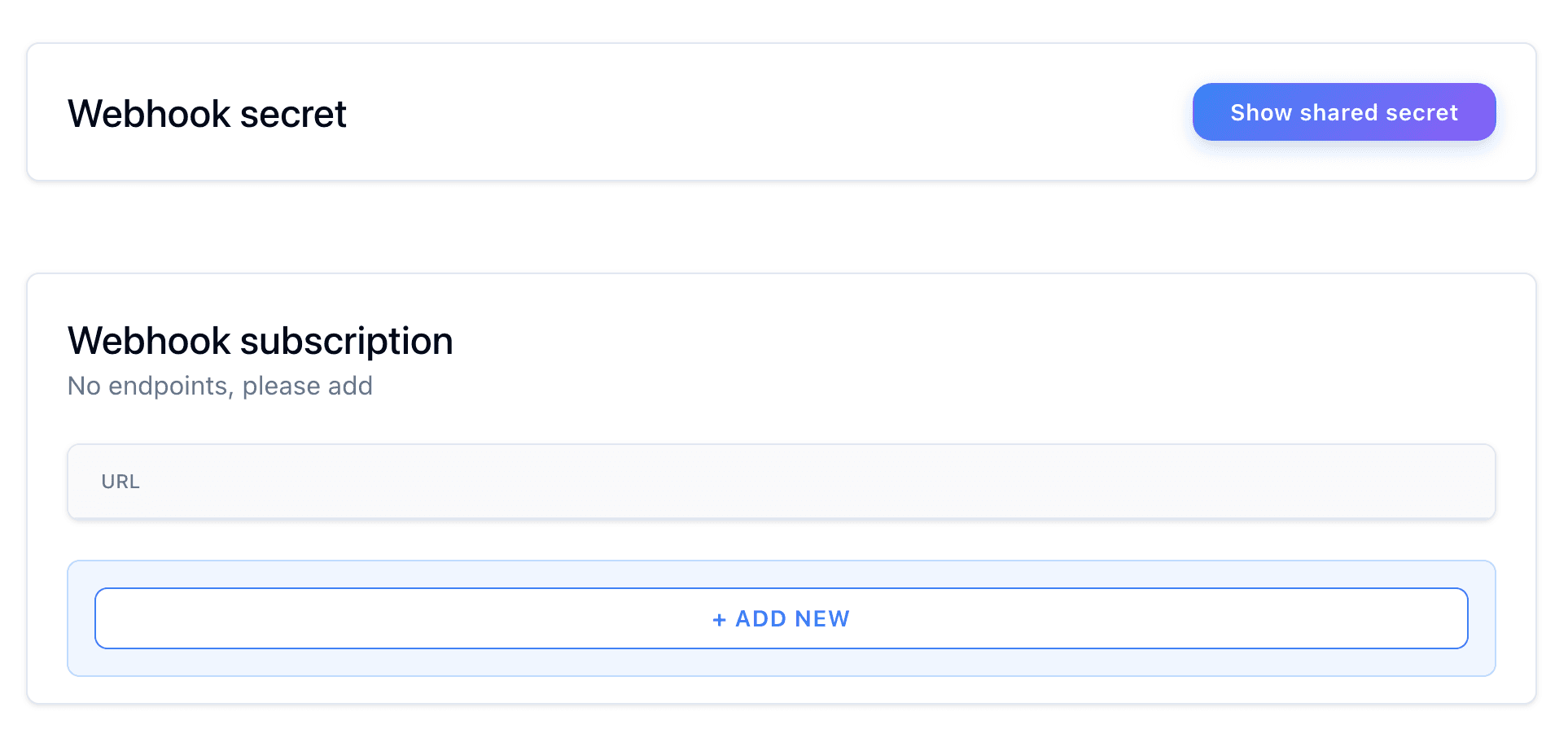
Add webhook endpoint to receive notifications about payment status change
2. Making Requests
For more detailed information, visit the API Reference (Swagger) directly.
Base URL
https://api.paydefi.io/Authentication
To use the PayDeFi API, you must obtain an API key by signing up on the PayDeFi website. Include this API key in the Authorization header of your requests.
Paydefi-Api-Key: YOUR_ACCESS_TOKENWebhook Payload Verification
Every payment status update request includes a Paydefi-Signature header. This header contains the SHA256 HMAC signature of the raw request payload, computed using your webhook secret as the key.
Paydefi-Signature: COMPUTED_SIGNATURE1. Verify HMAC Signature
To verify the signature you have to:
- Get your secret key by visiting Webhook settings page .
- Get signature from
Paydefi-Signatureheader. - Get the payload. It should be the raw body of the HTTP request, formatted as a JSON string. Any change in the payload could invalidate the signature, so it must be captured exactly as it arrives.
2. Implementation Example
const crypto = require("node:crypto");

verifySignature(signature, payload, secret) {

  // Create a new HMAC object using the secret key and the SHA256 hash algorithm
  const hmac = crypto.createHmac("sha256", secret).update(payload);

  // Generate the hexadecimal HMAC signature
  const computedSignature = hmac.digest("hex");

  // Compare the computed signature with the given signature
  return computedSignature === signature;
}

// Example values
const signature = "received_signature" // Replace "received_signature" with the signature you get from Paydefi-Signature header.
const payload = '{"orderId":"123","status":"ACCEPTED","paymentId":"234"}' // Example payload. Ensure it is raw as received.
const secret = "your_webhook_secret" // Replace "your_webhook_secret" with secret you received from https://paydefi.io/settings/webhooks.

const isValid = verifySignature(signature, payload, secret);
console.log("Signature is valid: ", isValid);
⚠️ Important: Make sure to capture the payload as a raw string, without parsing or modifying it.
Webhook Event Reference
Webhooks are triggered automatically when the status of a payment changes. Below is a breakdown of the available event types and example payloads for each.
1. Webhook Event Types
| Status | Description |
|---|---|
| ACCEPTED | Payment is received and is currently being processed. |
| COMPLETED | Payment was successfully processed and finalized. |
| EXPIRED | The payment link expired before payment was completed. |
| CANCELLED | The payment attempt was rejected or superseded by a new one with the same orderId. |
2. Webhook Payloads
ACCEPTED
{
  "orderId": "1",
  "status": "ACCEPTED",
  "metaData": null,
  "paymentId": "IEpGEyrQR_yDaDS"
}
COMPLETED
{
  "orderId": "1",
  "status": "COMPLETED",
  "metaData": null,
  "paymentId": "IEpGEyrQR_yDaDS",
  "transactions": [
    {
      "chainId": 1,
      "protocolFeeAmount": 0.0003,
      "protocolFeeRate": 0.003,
      "acceptanceRate": 0.005,
      "merchantAddress": "0x521E8E916EB48b7f7AAcb962b1cBb3C4Dc0921DE",
      "payIn": {
        "token": "0xaf88d065e77c8cC2239327C5EDb3A432268e5831",
        "symbol": "USDC",
        "amount": 0.1
      },
      "payOut": {
        "token": "0xaf88d065e77c8cc2239327c5edb3a432268e5831",
        "symbol": "USDC",
        "amount": 0.0997
      }
    }
  ]
}
EXPIRED
{
  "orderId": "1",
  "status": "EXPIRED",
  "metaData": null,
  "paymentId": "IEpGEyrQR_yDaDS"
}
CANCELLED
{
  "orderId": "1",
  "status": "CANCELLED",
  "metaData": null,
  "paymentId": "IEpGEyrQR_yDaDS"
}
Below is an example of the response body structure for a payment-related API response.
ℹ️ Note: The
transactionsfield appears only when thestatusis COMPLETED. This array provides full breakdown of the processed blockchain transaction.
| Parameter | Type | Optional | Description |
|---|---|---|---|
| orderId | string | No | Unique identifier for the payment. |
| status | string | No | Current status of the payment. |
| metaData | string | null | Yes | Optional object allowing you to attach custom data to a payment. Returned in all webhook responses. |
| paymentId | string | No | Unique identifier assigned to the payment by PayDeFi. |
| transactions | array | Yes | Array of transaction details. |